
Add a virtual try-on plugin to your WooCommerce store in under 30 minutes.
No code. No developer. Install the Mirrago virtual try-on plugin, connect your store, and start helping shoppers buy with confidence.

Our Fashion and Lifestyle Partners
From boutique shops to high-volume DTC retailers, merchants choose Mirrago to deliver seamless virtual try-on.





"Shoppers now see how a suit looks on them before booking a fitting — our confirmed appointments went up almost immediately."
Install once. Connect once.
Start converting with Try on
Mirrago virtual try on is designed for WooCommerce store owners who want virtual try on technology without technical setup, custom coding, or a lengthy integration process.
WOOCOMMERCE SETUP VIDEO
See how virtual try-on automatically loads on your WooCommerce shop
Click to play the 3-minute setup and customization walkthrough.
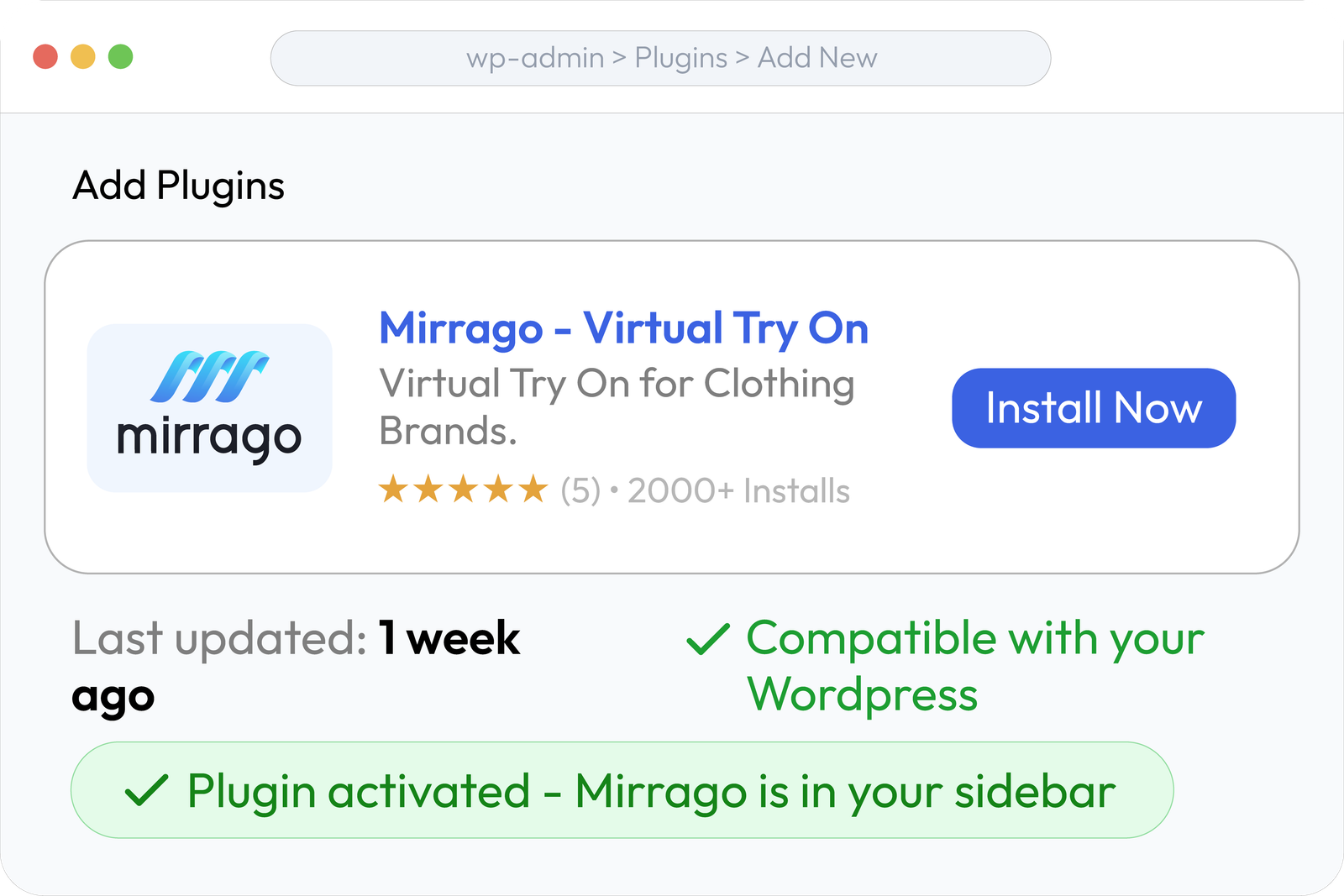
Get the Mirrago plugin
Install from WordPress plugin directory. One click.
Connect your account
Login and sync in one click.
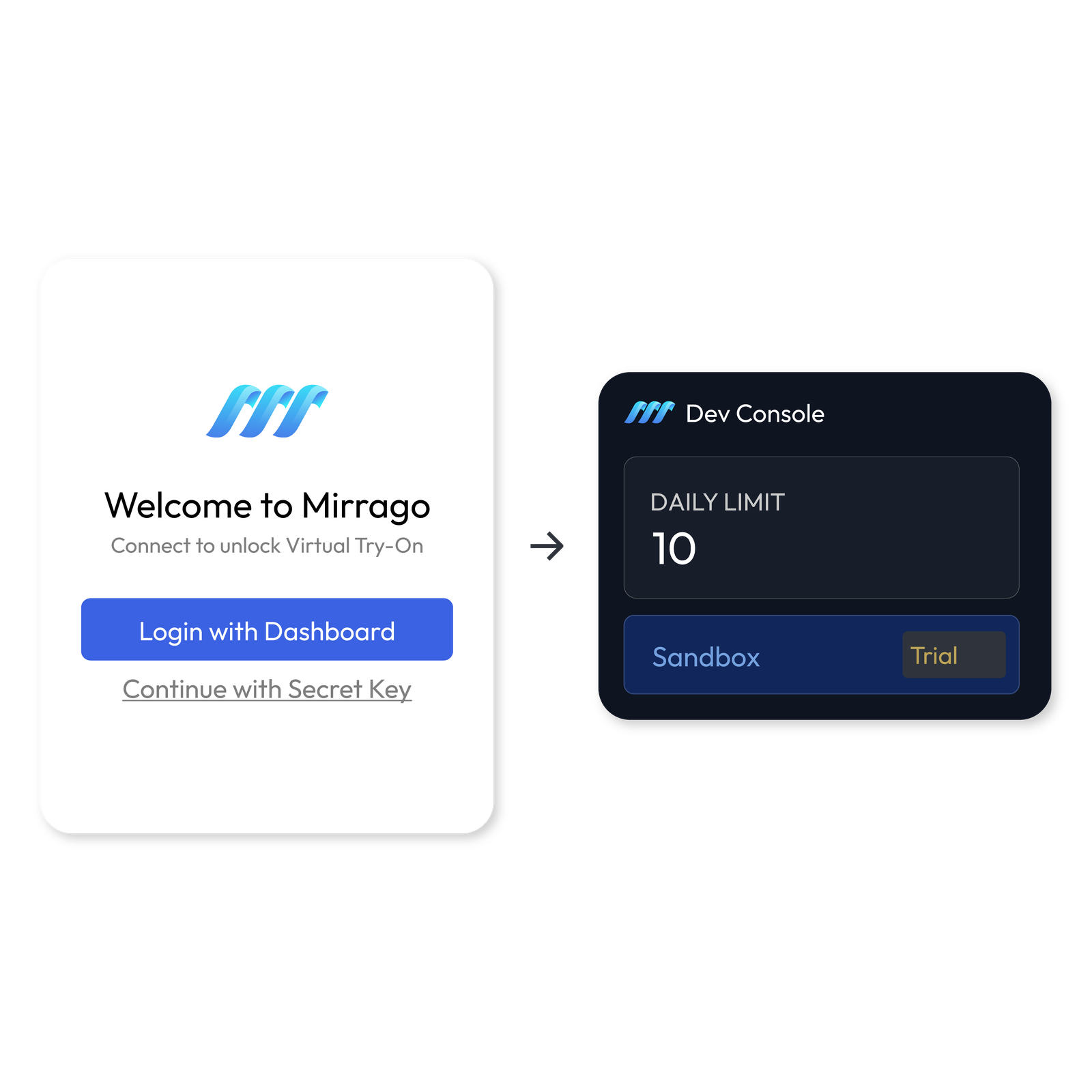
Trial goes live
Try-on button appears on product pages automatically.

Ready to stop losing sales to uncertainty?
Start free. Connect your store. Let shoppers try products visually before they buy.
WHAT YOU GET ON MIRRAGO
Six features. One install. Zero code.
Everything you need to give shoppers confidence — and give your store the conversion edge — without touching a line of code.
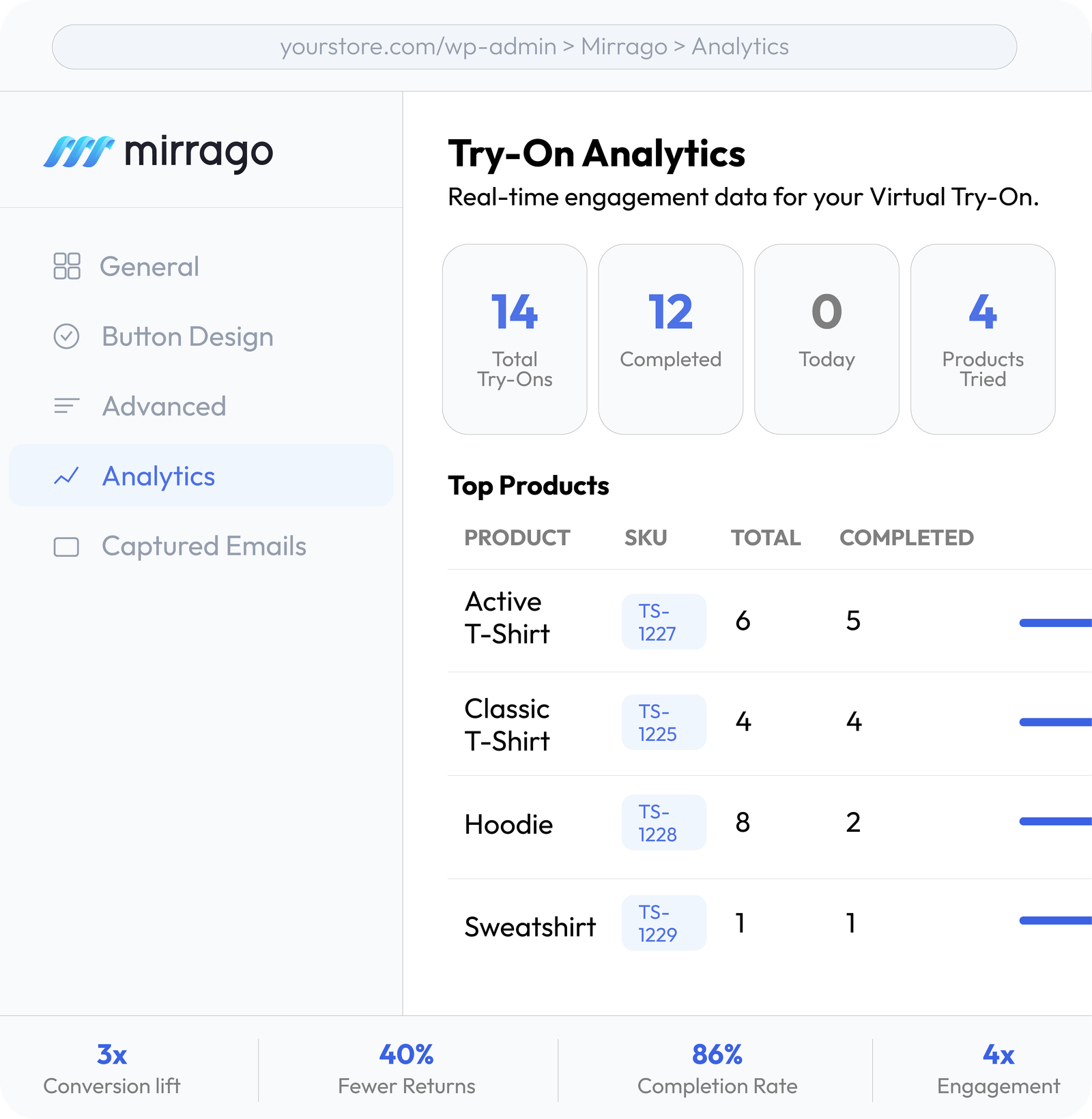
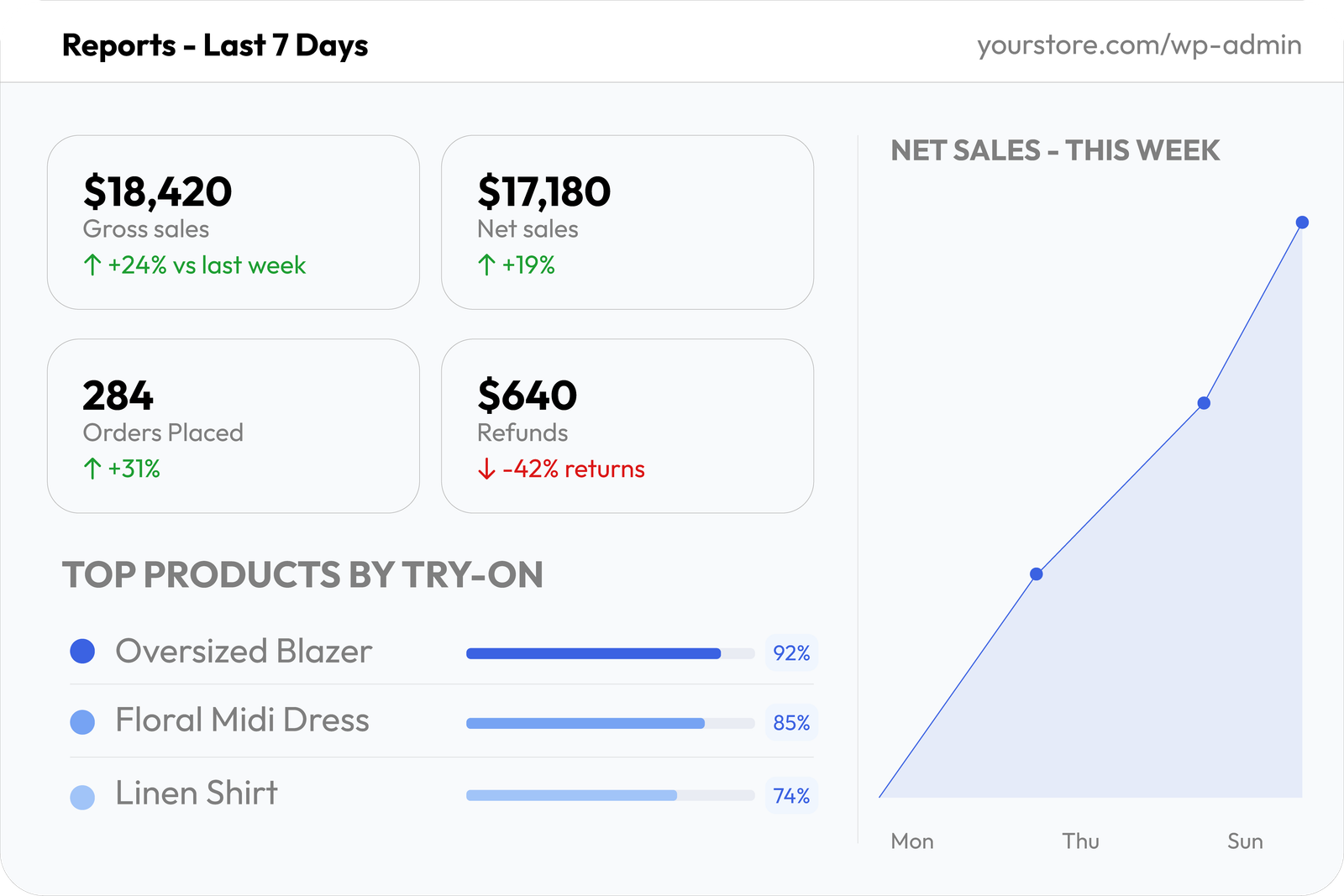
Real-time try-on analytics
See gross sales, orders, returns and top products by try-on.
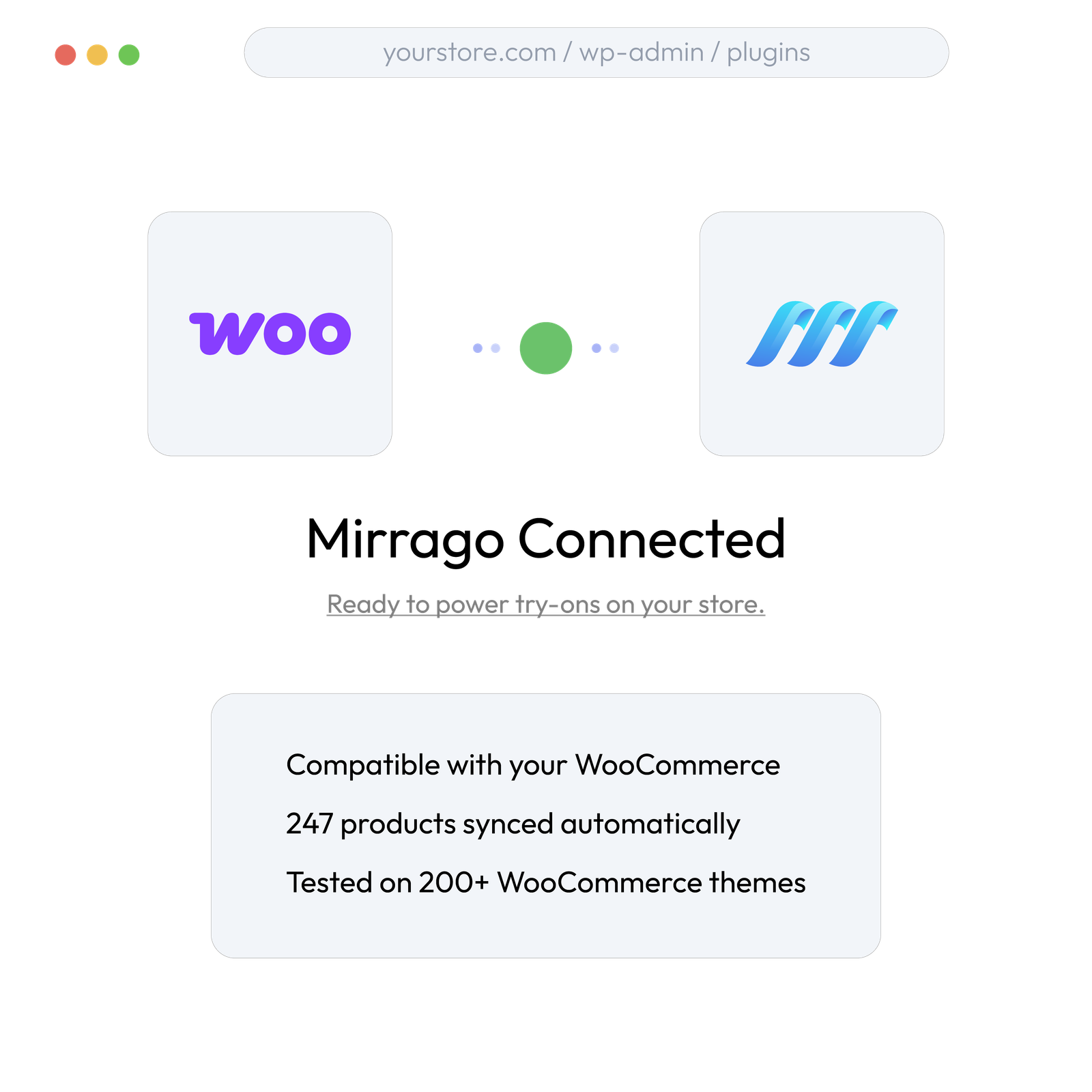
WooCommerce native integration
One-click install from the WordPress plugin directory.
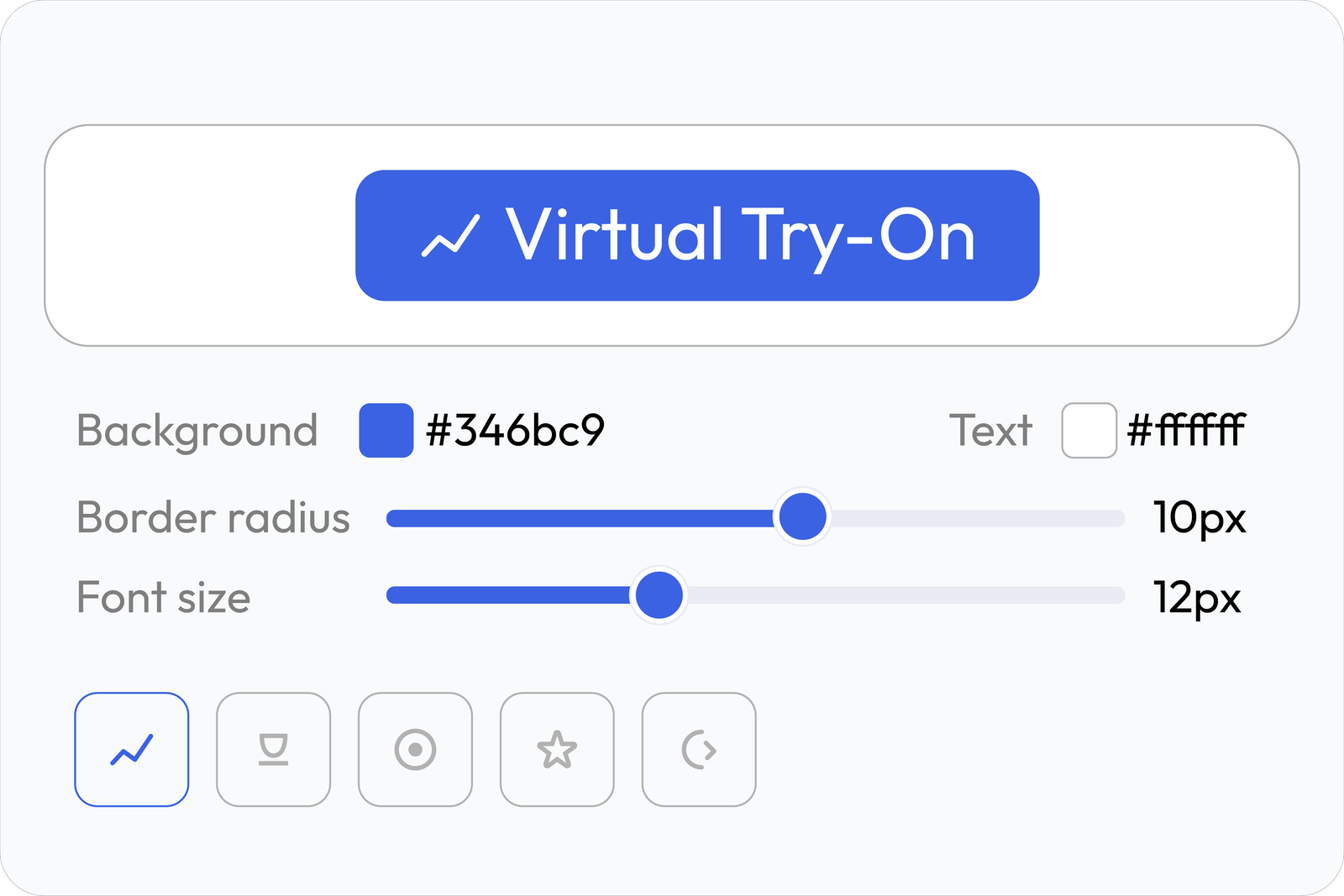
Visual button editor
Match your brand — color, radius, size, font. No CSS.
Product page try-on button
Try-on button appears on product pages automatically.
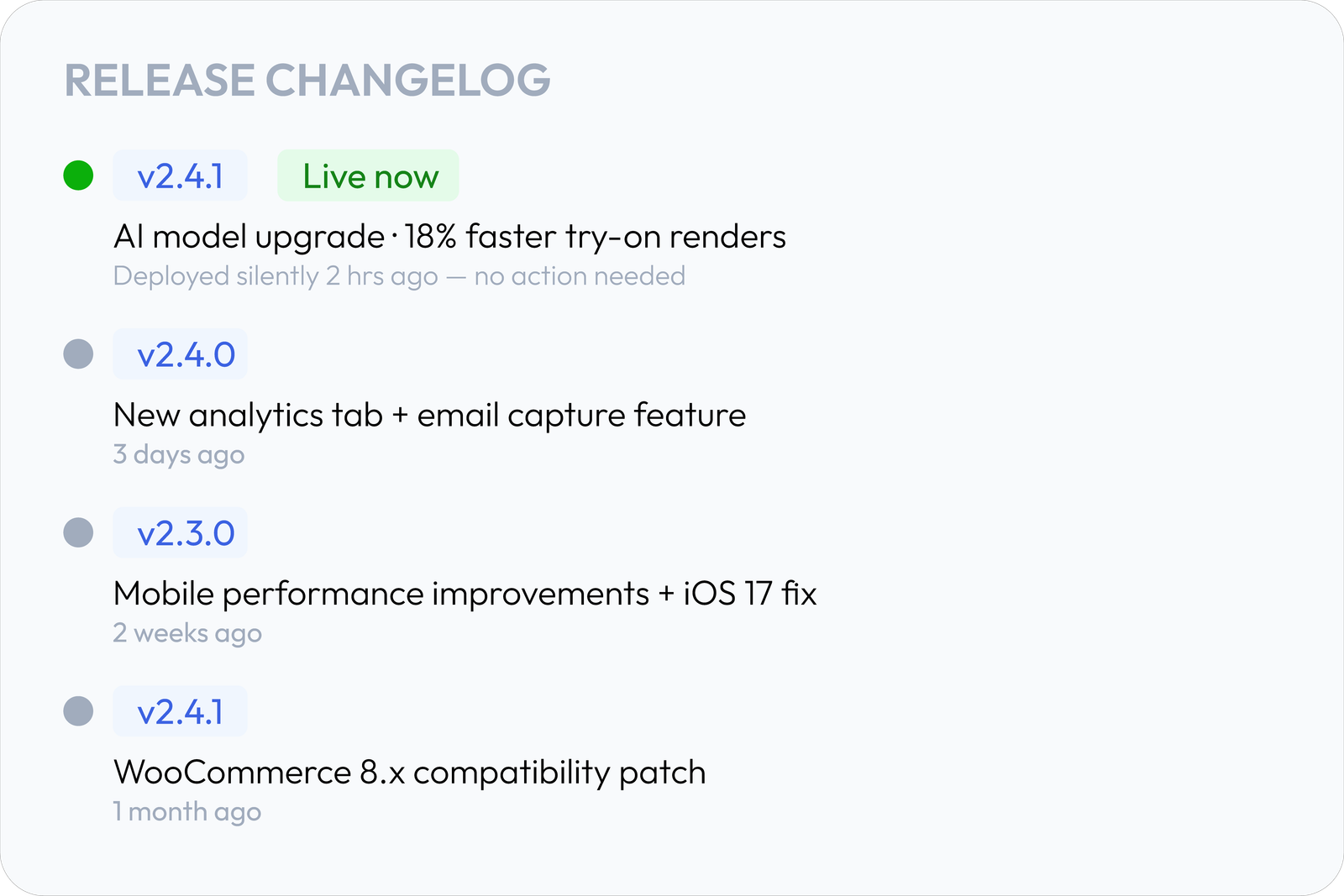
Continuous updates
AI model upgrades, compatibility patches — deployed silently.
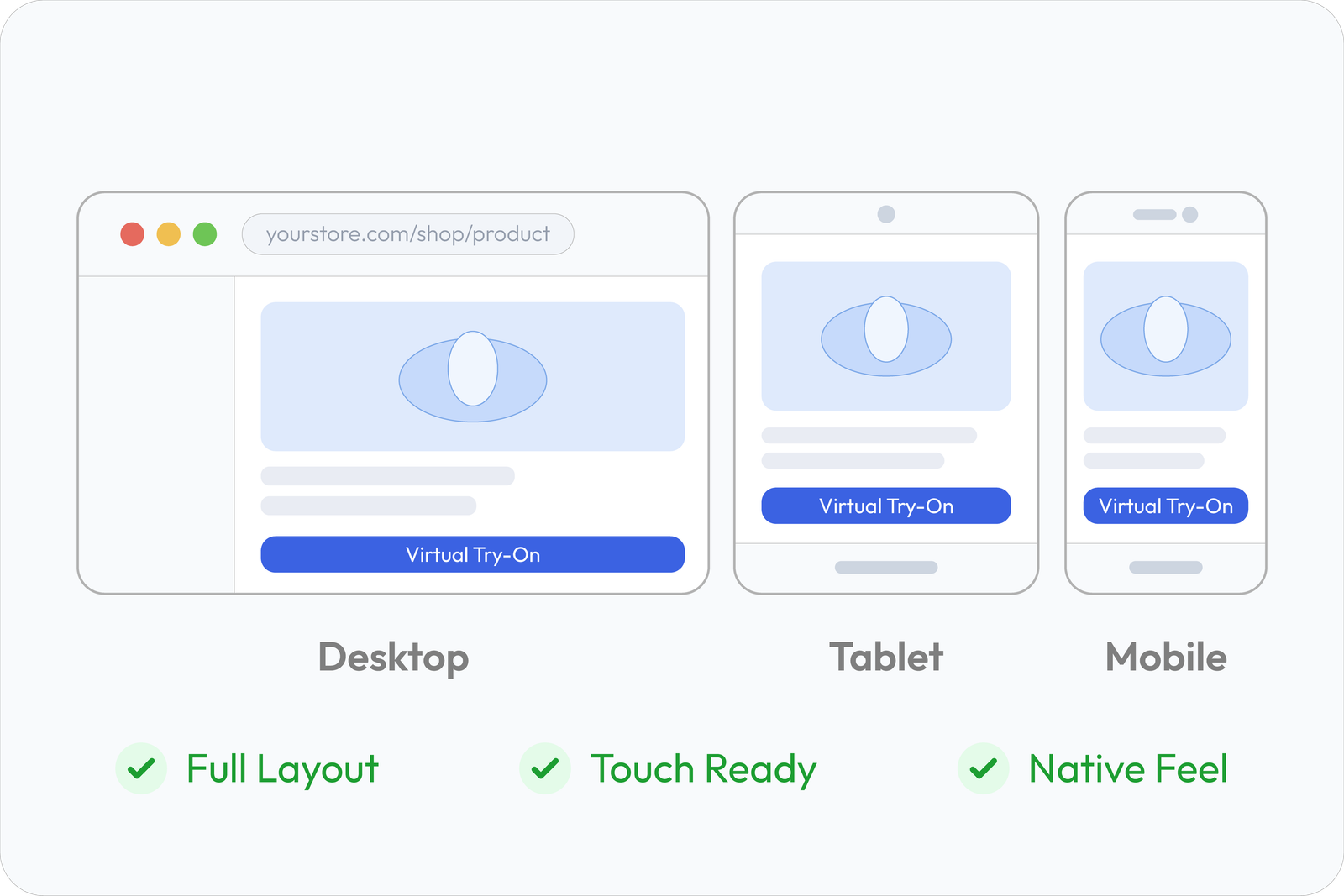
Mobile-friendly by default
Works across desktop, tablet, and mobile. Zero setup.
Pick the plan that fits your revenue
Start free with no credit card required. Upgrade only when your try-on volume grows.
Free to start
20 try-ons every month · full feature access · no credit card
Starter
For boutique & emerging WooCommerce stores
120 try-ons / month
capped at $44/mo
- 120 AI try-ons monthly
- Official WooCommerce plugin
- Compatible with any WordPress theme
- Standard email support
- Upgrade anytime
Growth
For growing DTC stores scaling their catalog
380 try-ons / month
capped at $119/mo
- 380 AI try-ons monthly
- Everything in Starter
- Conversion & analytics tracking
- Priority email & chat support
- Upgrade anytime
Scale
For high-volume merchants maximizing conversions
1,100 try-ons / month
capped at $277/mo
- 1,100 AI try-ons monthly
- Everything in Growth
- Dedicated onboarding assistance
- Custom styling & theme adaptation
- Dedicated account manager
Add virtual try-on to your WooCommerce store today.
2-week free trial. No developer. Live in under 30 minutes.