How to Promote Your New Virtual Try-On Feature to Existing Customers
A fashion brand spends weeks preparing a new virtual try-on feature for its online store. The button goes live, the team celebrates, and customers continue shopping as usual in its online store. The button becomes active, the team exults, and the customers continue shopping in the usual manner. They scroll, zoom in on product images, and put things in their carts. Only a small number of them click “Try It On.
The feature works. But the issue is that customers are not always aware of it or don't see why it is important to them.
This is where many brands get stuck. Adding AI virtual try-on is only the first step. Your existing customers already know your brand, so you don't need to build trust from scratch.
From your initial message to the follow-up numbers, this guide will help you support your existing customers with virtual try-on. Throughout, the emphasis is on the shopping experience, rather than the technology behind it.
Start by Showing Customers What They Can Do Now
Before you pick a channel, get the message right. Most shoppers don't care that you launched an "AI-powered virtual try-on system." They care about one question:
"Can I see how this looks on me before I buy it?"
Your messaging should answer that question in the first few words.
Lead With the Customer Benefit
Lines about what the customer gets work far better than feature announcements. For example:
See it on you before you buy
Try your favorite styles virtually
See how the outfit looks before you order
Do not use jargon such as "AI models," "computer vision," or "rendering." They don't explain why someone buying something would want to use the feature; they explain how it is built.
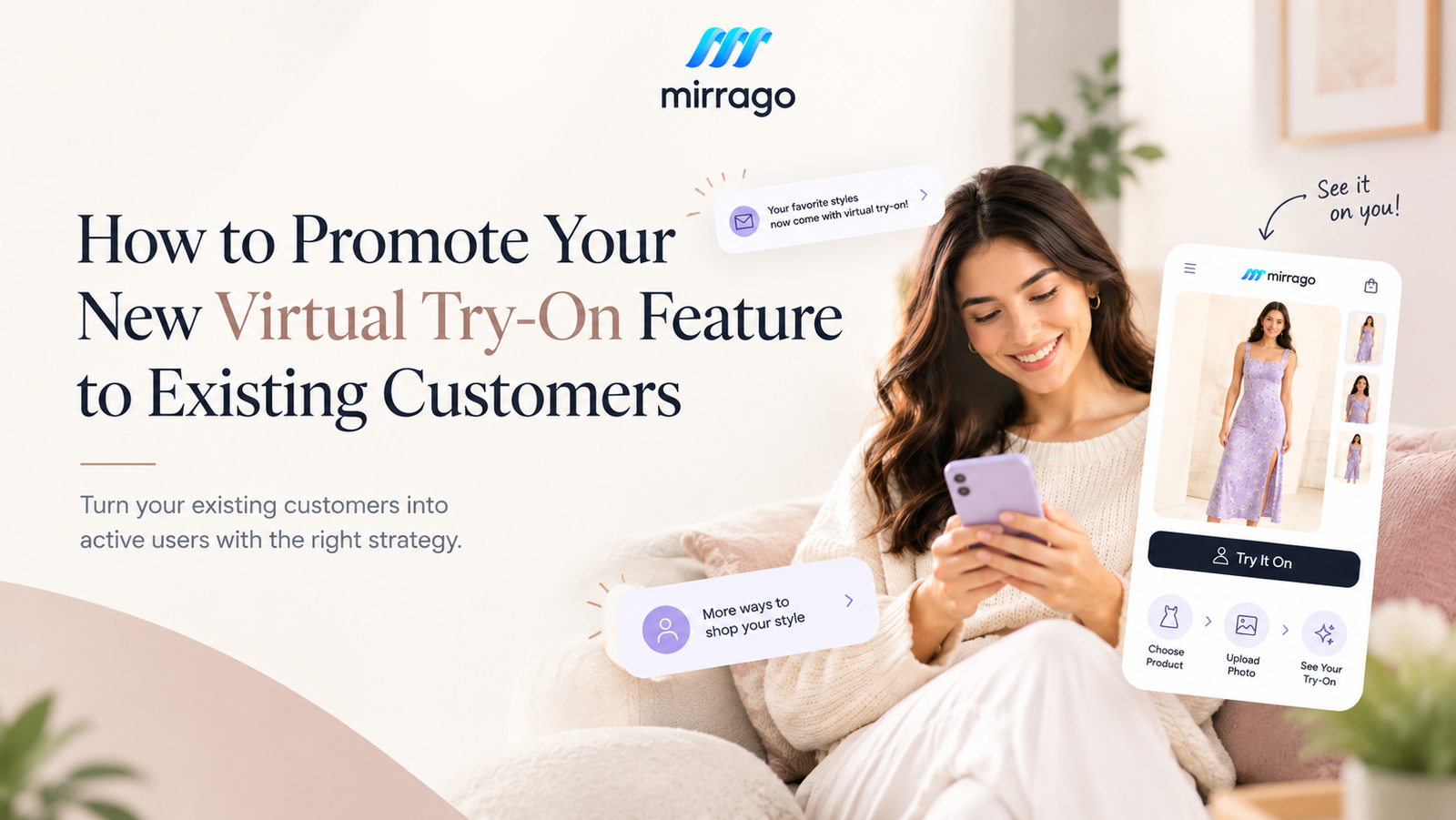
Explain the Experience in Three Simple Steps
When people can see the whole situation, they'll be more inclined to try it. It's important to stick to three steps:
Choose a product
Upload a photo
See your virtual try-on
Use the same three steps in emails, on product pages, and in social posts. Seeing them in every channel helps customers remember them.
Announce the Feature Where Your Existing Customers Already Are
You don't need to promote the feature everywhere at once. Start with the channels where your existing customers already engage with your brand, such as email, your website, product pages, social media, or app notifications. Email is a strong starting point because it gives you a direct way to tell existing customers what's new.”
Your announcement e-mail ought to address four questions in a brief time frame:
What is new?
Why should I care?
How does it work?
Where can I try it?
Here is a simple example:
"You can now try selected styles virtually before you buy. Choose a product, upload your photo, and see how it looks on you."
Link straight to a product with try-on turned on, not just to your homepage.
Segmentation can also make the announcement more relevant. You could create different messages for recent buyers, repeat customers, or people who frequently browse a particular category.
Product Pages: Promote It at the Moment of Interest
This is almost certainly the most important placement. When the customer sees a store offering a dress or jacket, they are already thinking about purchasing it. That's when they want to see how it goes on them.
Place a prominent and explicit CTA, like “Try It On” or “See It on You,” near the product title, price, or add-to-cart button. A pop-up window can be easily swiped aside. A banner on the home page can be scrolled away. A button next to the product responds to a question in the shopper's mind.
Social Media: Demonstrate Instead of Explaining
A post that says "We now have AI virtual try-on" rarely stops anyone from scrolling. Show the process instead:
Product → Upload photo → Try-on result
Short videos, Reels, product demos, and creator content make the feature clear in seconds. Watching a real person use it does more than any caption.
Make the First Try-On Simple Enough to Try Immediately
Promotion creates interest. A confusing first experience can kill it just as fast.
Customers should never have to work the feature out on their own. Make sure you:
Give clear photo instructions, such as good lighting and a front-facing pose
Explain what happens after they upload
Keep the Try-On button easy to find
Keep the number of steps as low as possible
Set realistic expectations about how the result will look
Explain how photos are stored and used, and link to a clear page on AI virtual try-on privacy
Don't make shoppers read a long explanation before they can start. The ideal journey looks like this:
See the feature → Understand it quickly → Try it → See the result.
Use Your Best Products to Introduce Virtual Try-On
You don't have to promote virtual try-on equally across your whole catalog. Start with products where seeing the item on a person adds obvious value:
Best-selling clothing
New collections
Dresses and jackets
Occasion wear
Products with high traffic or frequent views

Your product performance data can show you where to begin. Price matters too. The DRESSX 2026 virtual try-on report, based on 1.2 million shoppers, found that try-on engagement rose from 4% on items under $50 to 27% on items over $1,000. Shoppers seem more willing to try on items that feel like a bigger decision.
The key takeaway is simple: don't just promote the feature. Promote it through products customers already want to see.
Turn First-Time Users Into Repeat Users
One try-on is a good start, but the real goal is making it part of how customers shop with you.
Connect It to New Collections
New arrivals give you a natural reason to bring the feature back. For example: "New arrivals are here. Try your favorites before you buy."
Use It in Personalized Campaigns
If a customer has viewed or bought from a certain category, show them related styles they can try on next.
Encourage Customers to Share
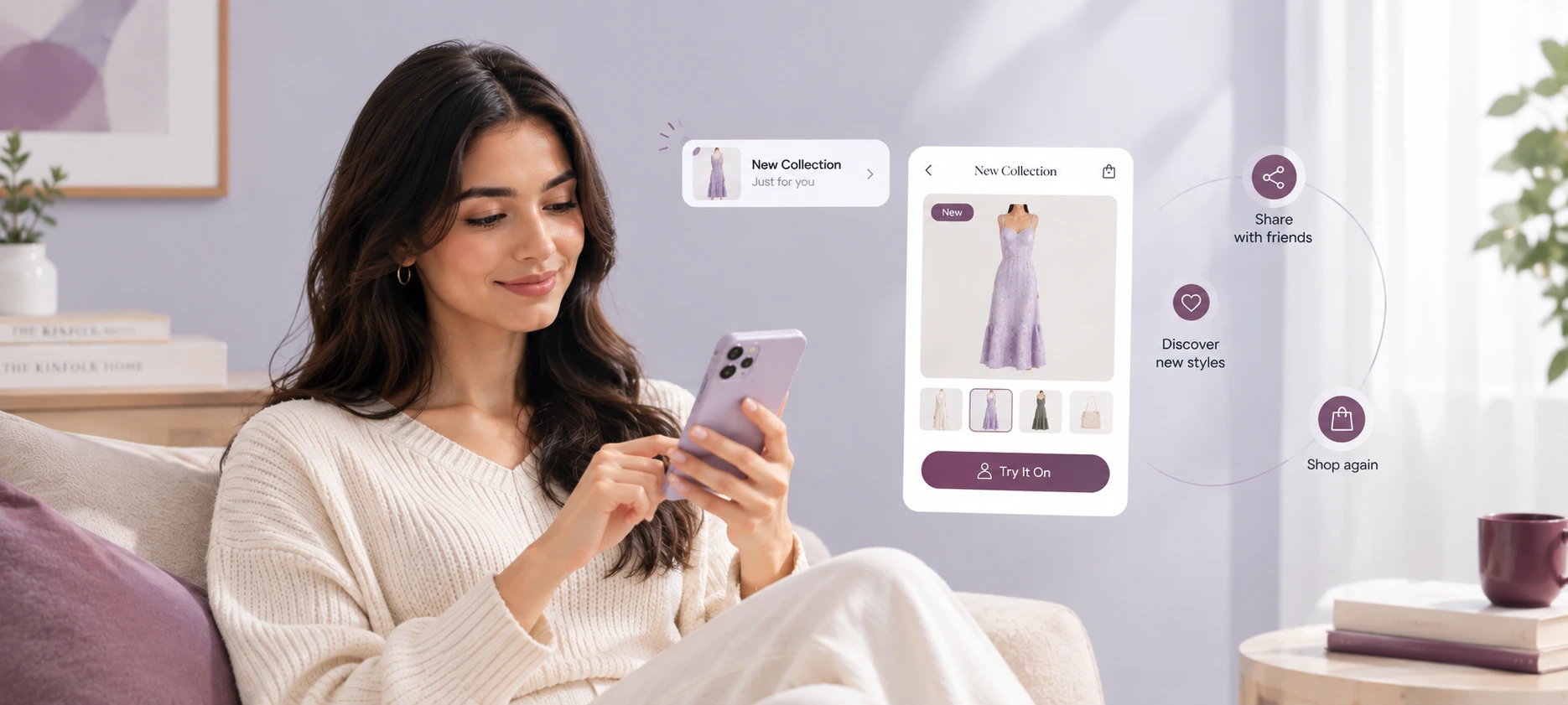
If your setup supports sharing and the customer agrees, try-on results can become user-generated content. That creates a simple loop:
Try → Share → Discover → Try again
Measure Whether Customers Are Actually Using It
Don't judge success by how many people saw your announcement. Track the whole customer journey instead.
Stage | What to Measure |
Awareness | Email opens, social reach, website views |
Interest | Try-On button clicks |
Adoption | Try-on sessions started |
Completion | Completed virtual try-ons |
Shopping | Add-to-cart activity |
Conversion | Purchases |
Retention | Repeat try-on usage |
Look beyond clicks to see whether customers complete the try-on and return to use the feature again
In DRESSX's 2026 study, view-to-cart conversion was 11% among try-on users compared with 4% among shoppers who did not use the feature. Treat this as an observed difference, not proof that virtual try-on caused the increase. Customers who choose to use try-on may already behave differently from those who don't. If you want to claim a conversion lift for your own store, use a controlled test such as an A/B test.
Common Mistakes When Promoting Virtual Try-On
Announcing it only once: A single email or post is easy to miss.
Talking too much about AI: Customers want the benefit, not the technical details.
Hiding the Try-On button: If shoppers can't find it, they won't use it.
Making the first experience complicated: Every extra step loses some first-time users.
Ignoring privacy questions. When customers upload photos, tell them clearly how those images are handled.
A Simple Promotion Plan for Your New Virtual Try-On
Before launch
Add the Try-On CTA to selected product pages
Record a short demo video
Prepare the announcement email
Launch week
Send the email
Share the demo on social media
Highlight the feature on your website
Feature selected products that have try-on
After launch
Remind customers through relevant campaigns
Promote new collections with try-on
Review usage data every week or two
Improve the experience based on customer feedback
How Mirrago Can Help Fashion Brands Add Virtual Try-On
Mirrago helps fashion businesses add AI virtual try-on to the e-commerce stores they already run.
WooCommerce and WordPress: Add virtual try-on to an existing WooCommerce store through Mirrago's WordPress integration.
Custom e-commerce platforms: Use Mirrago's Custom REST API to build virtual try-on directly into a custom shopping experience.
Once the feature is live, the next step is making sure customers know about it and have a reason to use it.
Explore Mirrago virtual try-on for e-commerce.
Conclusion
A virtual try-on feature only creates value when customers actually use it. Launching it is the easy part. The brands that see real adoption combine clear messaging, visible placement, simple onboarding, the right products, ongoing communication, and careful measurement.
Start small. Pick a few popular products, send one clear email, and watch how customers respond. Then build from there.
If you're ready to add or expand virtual try-on in your store, Mirrago offers options for WooCommerce and custom e-commerce platforms.
Frequently Asked Questions
1. How do I promote a new virtual try-on feature?
The most effective way to promote virtual try-on is to combine an announcement email, clear CTAs on product pages, short social media demos, website banners, and targeted campaigns for customers who already browse related categories.
2. How can I encourage existing customers to use virtual try-on?
Lead with a clear benefit, such as "see it on you before you buy." Keep the steps simple, show a quick demo, and introduce the feature on products customers already want.
3. Should I promote virtual try-on on product pages?
Yes. Product pages are one of the best places for it because shoppers are already considering the item. A visible "Try It On" button near the product details reaches them at the right moment.
4. How can I measure virtual try-on adoption?
Track Try-On button clicks, started and completed sessions, add-to-cart activity, purchases, and repeat usage. Completion and repeat use tell you more than clicks alone.
5. What should customers know before using an AI virtual try-on?
They should know what kind of photo to upload, what the result will look like, how many steps it takes, and how their photo is stored and used.