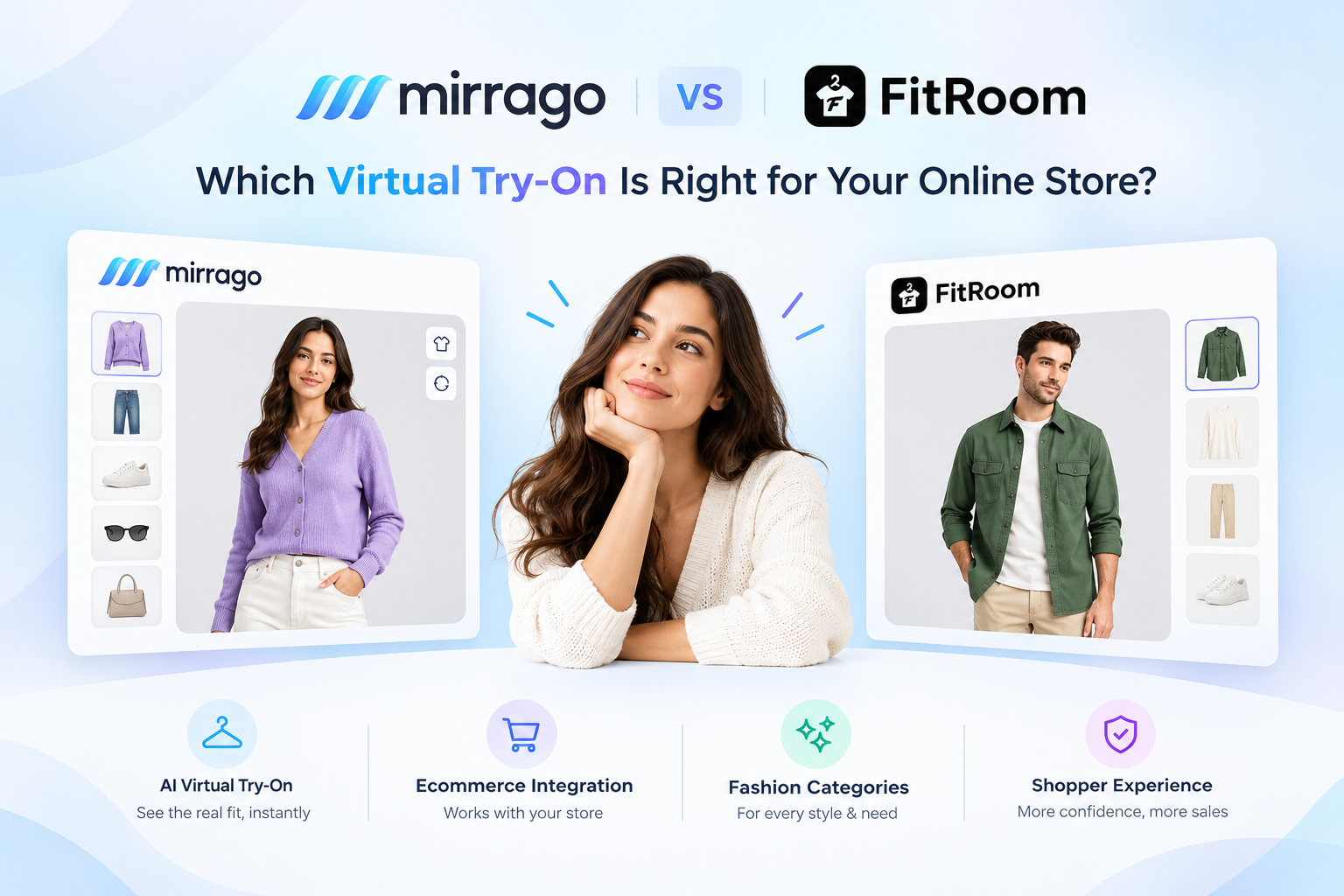
A customer lands on your WooCommerce store, loves a dress, but hesitates. "Will this look good on me?" "Does this colour suit me?" They leave without buying. Sound familiar?
You're not alone. Most online buyers (63% leave their carts due to sizing problems and are yet to understand how the products will look on them. This is where the Mirrago WordPress plugin will be involved.
The Mirrago virtual try-on WooCommerce 2026 solution is the newest AI-powered technology that will enable your customers to preview themselves in your products before they buy, resulting in a 40-per cent decrease in returns and a 30-percent increase in conversions.
Even when you have never written even a single line of code, you will be able to install and set up the Mirrago WordPress plugin on your WooCommerce shop.
What is the Mirrago virtual try-on WordPress Plugin?
Mirrago WordPress plugin is an innovative try-on virtual technology that is created to be used in WooCommerce shops. It effortlessly incorporates AI-powered visualisation technology on your product pages that enable your customers to upload their own photos or choose model avatars and view how clothing, accessories, or eyewear will appear on them in real-time.
Mirrago, in contrast to generic augmented reality (AR) tools, is designed with e-commerce in mind, providing:
Simulated fabric effects, such as draping and fiting.
Adaptation of bodies to represent the correct style and looks.
One-click WooCommerce product catalogues integration.
Smartphone-friendly experience of shopping.
The online shopping experience is turned into a game of chance, with the plugin removing the biggest obstacle to online fashion purchases straight away.
How the Mirrago WordPress Plugin Works
The Mirrago plugin connects your WooCommerce store to Mirrago's AI engine, enabling virtual try-on directly on product pages. Think of it as having a virtual fitting room built into every product you sell.
Step-by-Step Workflow
Here's what happens when a customer uses the virtual try-on feature:
Customer visits your product page (on your WooCommerce store)
Clicks the "Try-On" button, which is visible prominently on the product page
Uploads their photo or selects a model from pre-loaded avatars matching different body types
AI processes the image in seconds:
Detects body shape and proportions, Maps clothing onto the user's silhouette, and adjusts for fabric texture and movement.
Displays a realistic preview instantly showing exactly how the product looks on them
What Happens Behind the Scenes
The technical magic happens seamlessly without any action required from you or your customer:
The plugin sends the product image to Mirrago's secure cloud server
Advanced AI algorithms (computer vision + machine learning) analyze:
Body proportions and measurements
Fabric characteristics and how they drape
Colour matching with skin tones
The system generates a photorealistic try-on output
The result is sent back to your website and displayed in under 3 seconds
Why This Matters
This technology delivers three critical outcomes:
Customers can buy with confidence, knowing exactly how the product will look on them.
Lessens the buyer's reluctance, shifting shoppers to a purchasing decision.
Enhances the conversion rates by providing an interactive shopping process.
Is Coding Required?
No. Mirrago can be used in conjunction with WordPress and WooCommerce, no coding, no technical background, and no developer required. You can install Mirrago if you can install a typical WordPress plug-in.
4. Why WooCommerce Stores Need Virtual Try-On in 2026
The e-commerce landscape has evolved dramatically. In 2026, virtual try-on technology isn't a luxury—it's a competitive necessity. Here's why:
1. Consumer Expectations Have Changed
Two-thirds of consumers demand an interactive product display.
Gen Z and Millennial consumers expect to have immersive shopping experiences.
The use of traditional product photos to make buying decisions is no longer effective.
2. Return Rates Are Crushing Profit Margins
Fashion returns cost retailers $816 billion annually
30-40% of online clothing purchases are returned due to expectation vs reality.
Processing returns drains resources and impacts sustainability
3. Competition Is Intensifying
Major brands like ASOS, Zara, and Nike already offer virtual try-on
Smaller stores without this technology appear outdated
The Mirrago WordPress plugin levels the playing field for independent sellers
4. Mobile Shopping Dominates
79% of fashion purchases now happen on mobile devices
Virtual try-on WooCommerce 2026 solutions are optimised for smartphone cameras
Customers can try on products anywhere, anytime
5. Prerequisites Before Installation
Before installing the Mirrago WordPress plugin, ensure your store meets these requirements:
Technical Requirements
WordPress version: 5.8 or more.
WooCommerce: 6.0 or later.
PHP version: 7.4 or later.
SSL certificate: Your site should utilise HTTPS (needed to access the camera)
Hosting: Quality hosting with sufficient bandwidth to process images.
Account Requirements
Active Mirrago account (sign up at mirrago.com)
API credentials from your Mirrago dashboard
Optional But Recommended
Backup plugin installed (for safety)
Updated product images (high-resolution, clear backgrounds)
Staging site for testing before going live
Step-by-Step Installation Guide
Step 1: Download the Mirrago WordPress plugin.
Go to your WordPress dashboard
Click Plugins - Add New
Search for "Mirrago Virtual Try-On"
Click Install Now
Click Activate
Step 2: Basic Setup
After activation, click Mirrago in the left menu
Click Settings
Enter your Mirrago account email
Click Connect
Follow the quick setup wizard
Step 3: Add "Try-On" Button to Products
Go to Mirrago Display Settings
Choose where the button appears:
Above "Add to Cart
Below product images
Custom position, pick your button colour
Click Save
Step 4: Test Everything
Visit any product page on your site
Look for the "Try-On" button
Click it and upload a test photo
Check the preview works
Test on your phone too
Key Features of the Mirrago WordPress Plugin
AI-Powered Body Detection: Automatically detects body type to visualise an accurate style.
Several Model Choices: Ready-made avatars of different body shapes and skin colours.
Real-Time Processing: It takes less than 3 seconds to show results.
Mobile Camera Integration: Uploading selfies with smartphones without any hassles.
Analytics Dashboard: Monitor engagement, conversions and try-ons.
Multi-Language Support: Translated to support international audiences.
Style Recommendation Engine: Can recommend best-fit style, using try-on data.
Benefits for WooCommerce Store Owners
Increased Conversion Rates
Stores using Mirrago report 25-35% higher conversion rates as customers gain confidence in their purchases.
Reduced Return Rates
Virtual try-on reduces sizing-related returns by up to 40%, saving thousands in logistics costs.
Higher Average Order Value
Customers who make use of try-on features have an expenditure 18 per cent higher per transaction.
Improved Customer Engagement
Interactive capabilities engage your shoppers 2.5 times longer on your site, enhancing brand interactions.
Competitive Differentiation
Be different in busy markets with technology that was only accessible to enterprise brands.
Best Practices for Maximum Results
Use High-Quality Product Images: Clear, well-lit photos produce better try-on results
Promote the Feature: Place advertisements with banners about "Try Before You Buy."
Optimise for Mobile: 80 percent of virtual try-on is done on phones.
Monitor Analytics: With the help of the dashboard created by Mirrago, you can monitor popular products.
Update Regularly: Have the plug-in updated with new features and enhancements.
Troubleshooting Common Issues
Button not visible? Clear the cache and check if the plugin is activated
Slow performance? Compress product images and upgrade hosting
Upload failing? Ensure images are under 5MB (JPG/PNG only)
Feature not working? Switch to HTTPS and try a different browser
Needs Help?
Email: support@mirrago.com
Live chat: mirrago.com
Conclusion
It is no longer a choice to install the Mirrago WordPress plugin in your WooCommerce store to remain competitive in the e-commerce marketplace in 2026. This 2026 WooCommerce virtual try-on is a powerful solution that fills the gap between online shopping and in-store confidence and is designed to directly solve the largest pain points of online fashion retail.
With this step-by-step guide, you’ve now armed your store with technology that will boost your conversions, reduce returns, and provide the immersive shopping experience consumers are seeking.
It is installed in less than 15 minutes, and the effects on your bottom line will be felt over the years.
Ready to Transform Your WooCommerce Store?
Don't let another customer leave because they can't visualise your products.
Get Started with Mirrago Today
Join our waitlist for 1 month of free access.
Install the plugin in minutes (no credit card required)
Watch your conversion rates soar